Package Description
Dispatch System v2.1
wasvendel_dispatch is a highly customizable notification and alert system for RedM servers, designed to make sure the right job roles receive important alerts quickly and efficiently.
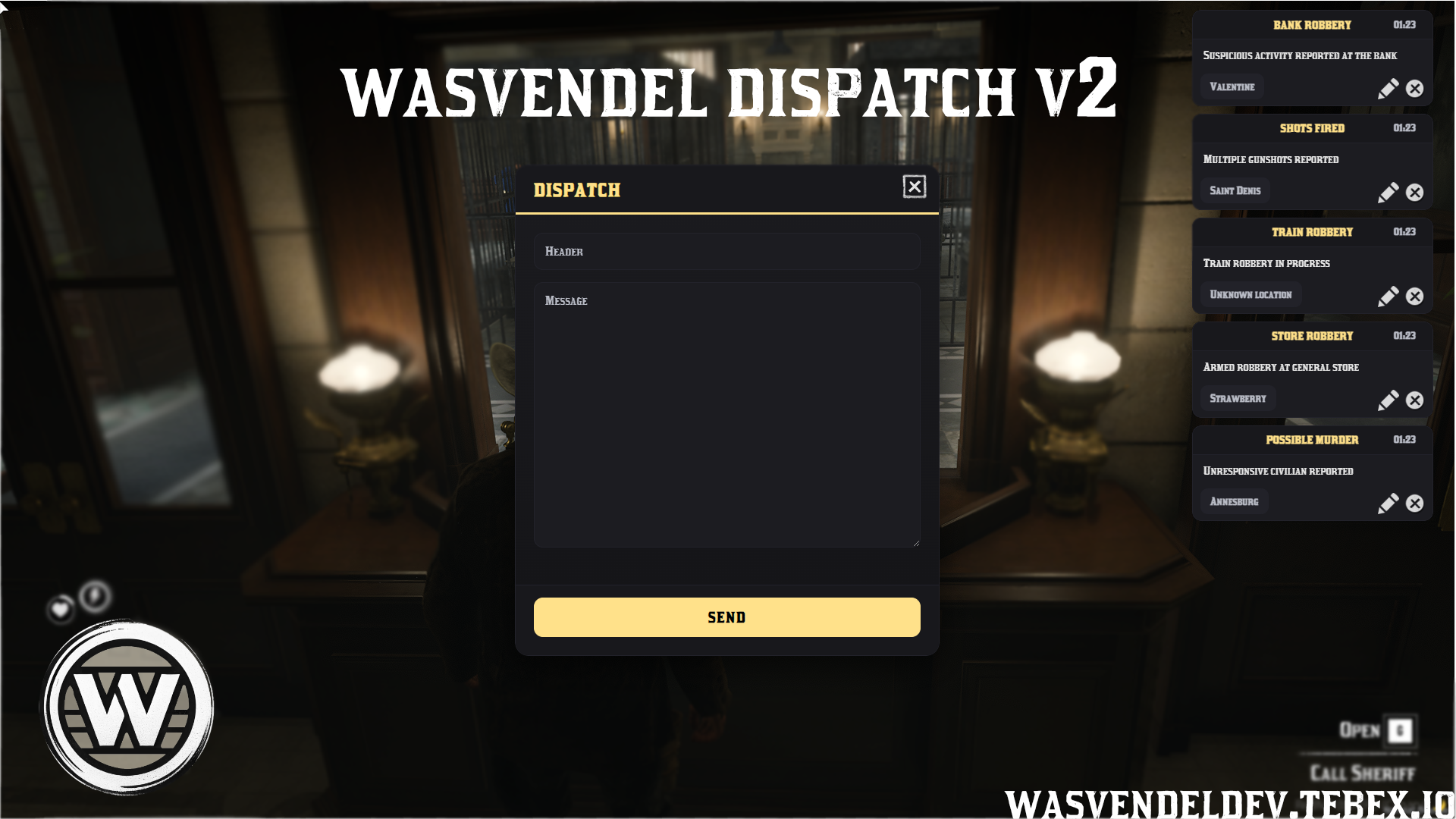
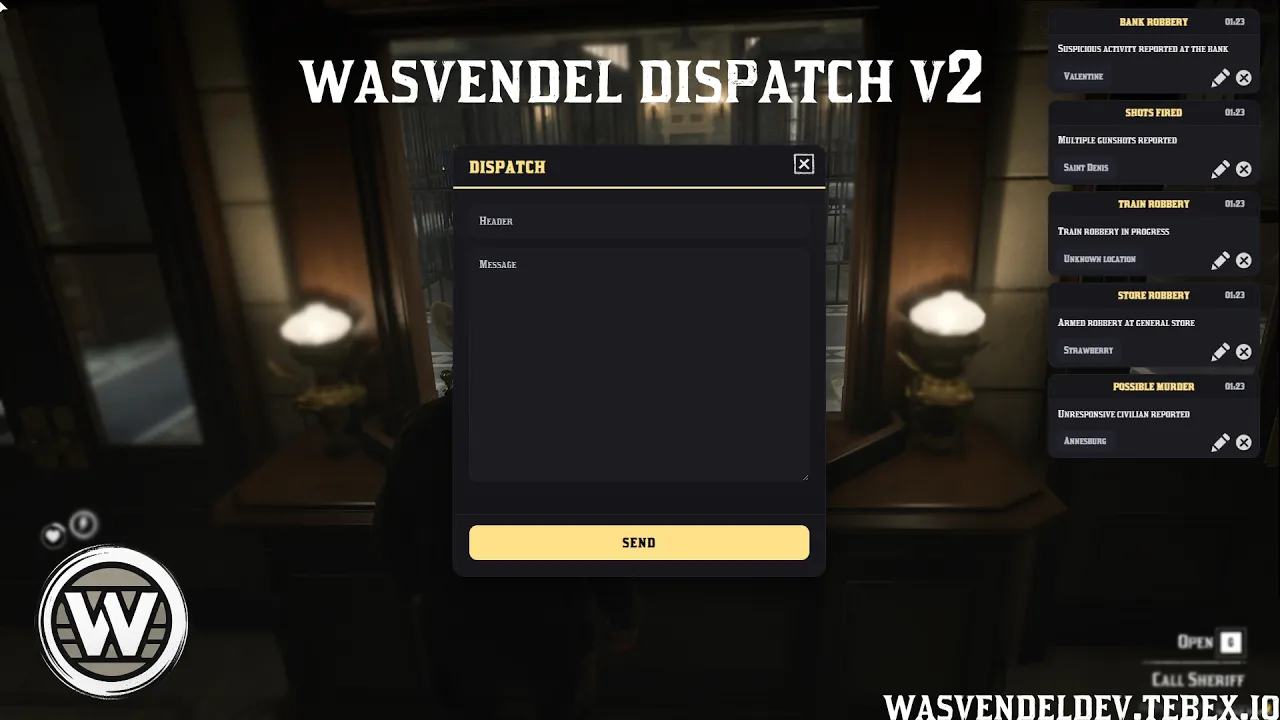
With targeted job notifications, automatic map blips, a clean minimalistic UI, configurable alert settings, movable interface elements, and player-adjustable notification sounds, the system provides smooth and transparent communication for roleplay scenarios.
Main Features
- Targeted Notifications – Notifications are sent only to the selected job or jobs, ensuring that only relevant players receive the alert.
- Map Blip Integration – Each notification can automatically create a map marker showing the exact location of the event.
- Clean UI Presentation – Alerts are displayed in a minimalistic and easy-to-read interface that does not interrupt gameplay.
- Customizable Control Panel – Includes a configurable panel for managing notifications and adjusting system settings.
- Notification Message Editing – Notification text can be edited to match server-specific needs.
- Notification Toggle Options – Individual notification types can be enabled or disabled when needed.
- Movable UI Elements – UI elements can be repositioned freely on the screen.
- Blip Synchronization – When a notification is deleted, the related map blip is automatically removed for all players.
- Custom Entry Animation – Notification animations can slide in from either the right or left side of the screen.
- Player Sound Settings – Players can individually adjust their notification sound effects.
Configuration Options
- Job Targeting – Configure which jobs receive specific notification types.
- Notification Messages – Customize the text and content of alerts.
- Blip Settings – Configure map blip behavior for dispatch notifications.
- UI Positioning – Adjust and move notification interface elements.
- Animation Settings – Configure the direction and behavior of notification entry animations.
- Sound Settings – Allow players to configure notification sound behavior individually.
- Notification Toggles – Enable or disable specific alert types from the configuration.
Locked Files
Server-side and client-side core files are protected with CFX Escrow, while config.lua remains fully open and editable.
Showcase
Showcase available soon.