Package Description
Admin Panel System
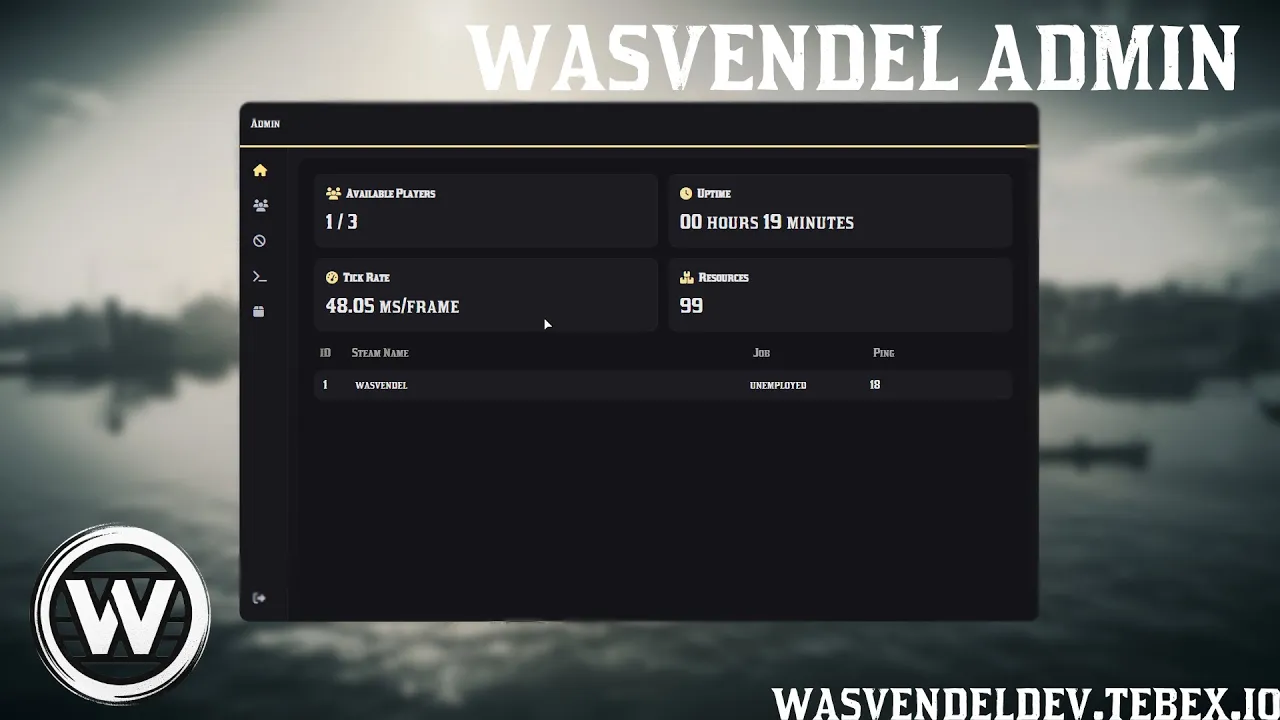
wasvendel_admin is a comprehensive admin panel solution for RedM servers, designed for staff members to manage players, execute commands, handle bans, monitor the server, and control administrative actions from one modern interface.
With a clean UI, role-based permissions, full VORP/RSG integration, configurable commands, Discord logging, spectate mode, server announcements, and developer tools, the system can be adapted to almost any administrative workflow.
Main Features
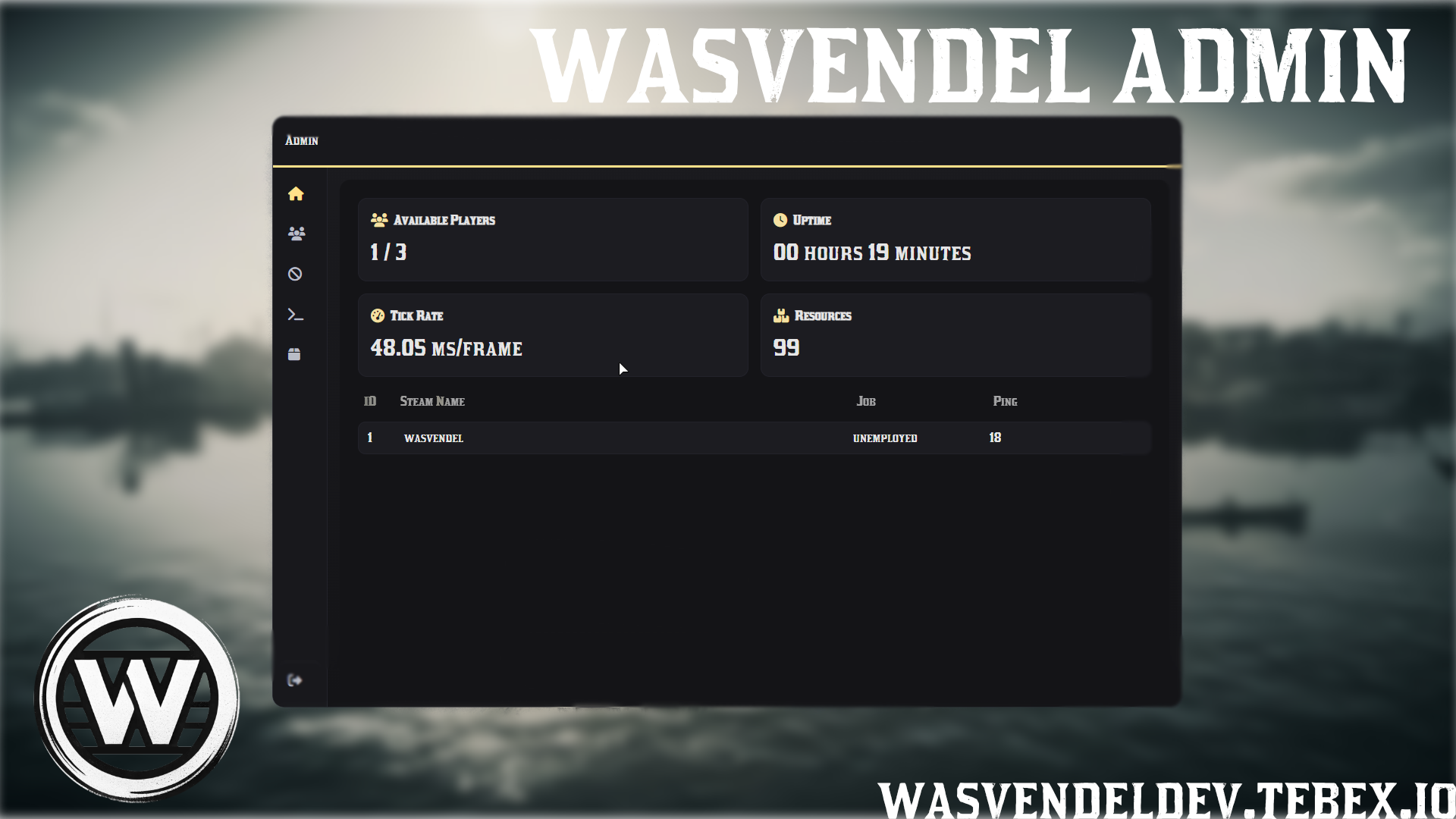
- Home Dashboard – Live server statistics, including online players, uptime, tickrate, and resource usage.
- Player Management – Search players by ID, Steam name, IC name, job, or ping.
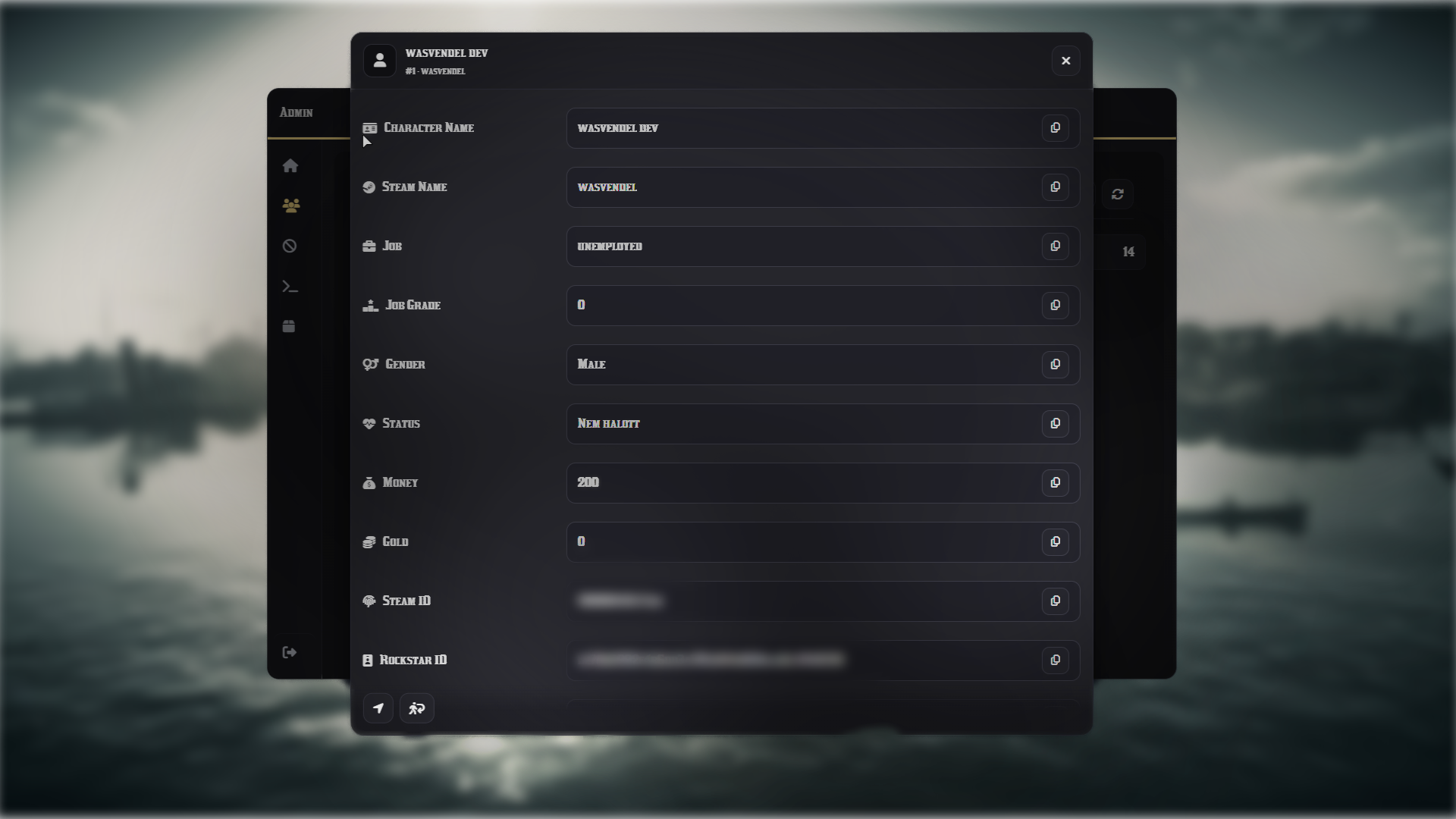
- Detailed Player Information – View money, gold, job grade, coordinates, and identifiers such as Steam, Rockstar, and Discord.
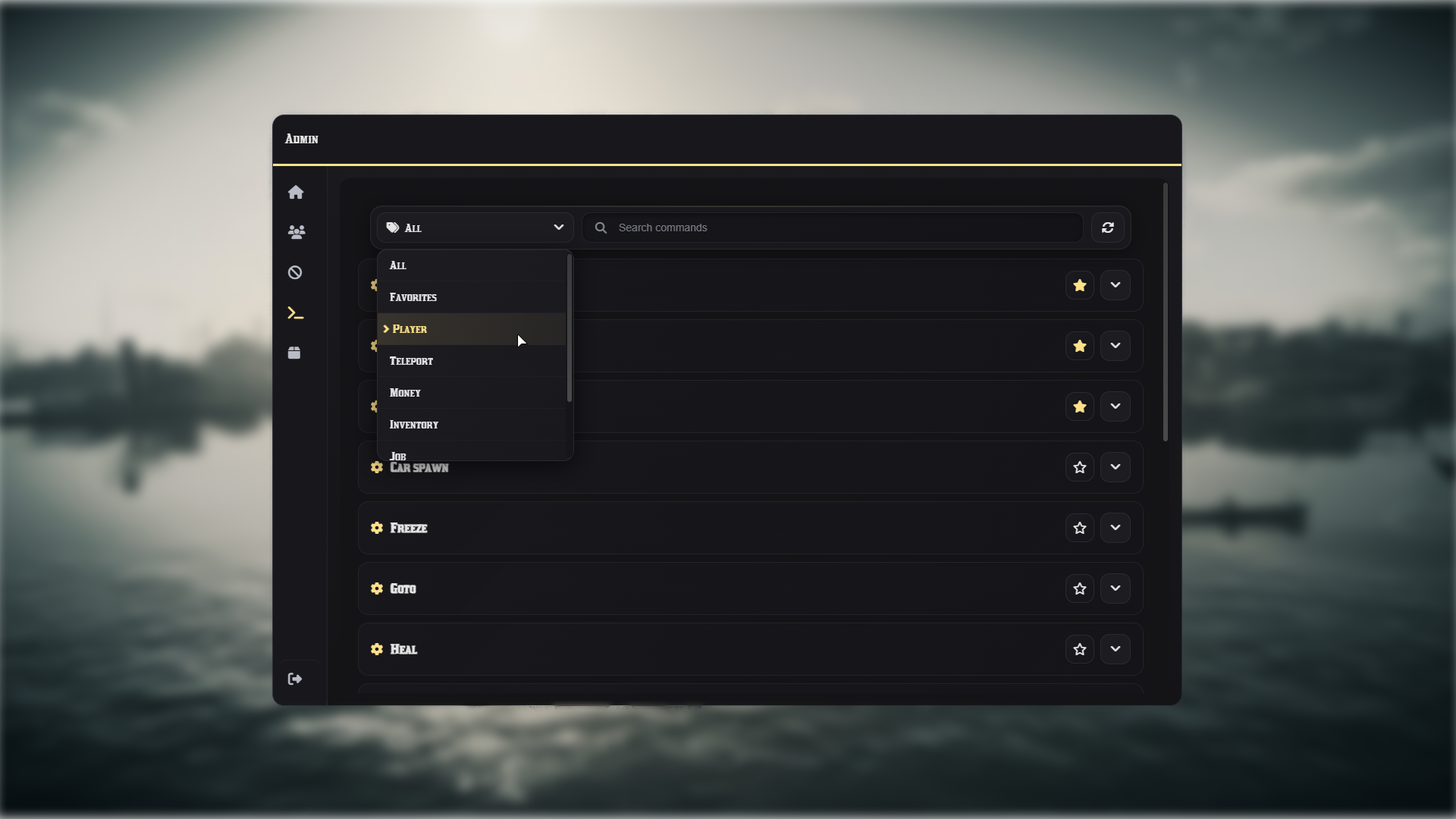
- Admin Commands – Teleport, revive, heal, freeze, noclip, set ped, set job, manage money and items, spawn vehicles and horses, and more.
- Teleport System – Goto, bring, coordinate teleport, waypoint teleport, and predefined town teleports.
- Spectate Mode – Watch selected players in spectate mode for moderation and investigation purposes.
- Server Announcements – Send server-wide announcements directly from the admin system.
- Developer Tools – Optional devtool features for debugging, testing, and administrative development workflows.
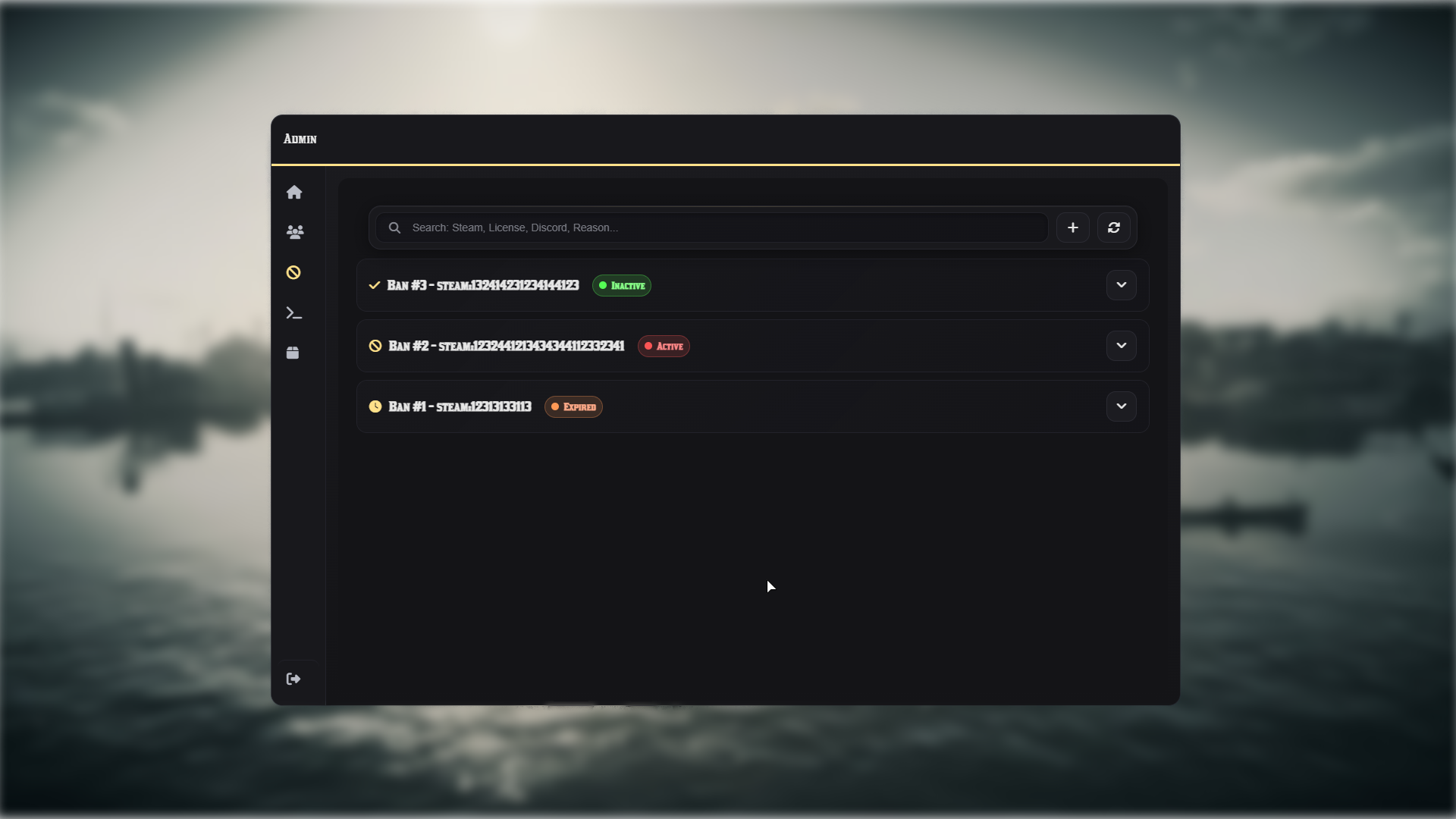
- Ban Management – Create, edit, and remove bans through the UI, with identifier resolving, reasons, expiration tracking, ban history, and auto-refresh.
- Item Management – Browse database items, search by label or invoke, and give items with custom amounts.
- Favorites Menu – Mark frequently used commands as favorites, stored per admin in
redm.json. - Role-Based Permissions – Granular permission system with predefined roles such as Manager, Admin Controller, Super Admin, Admin, and Helper.
Control Options
- Admin Menu – Open the menu with the F1 key or the
/admin command. - Direct Admin Commands – Admin commands can be used directly as regular commands, without any extra command prefix.
- Example Commands – Commands can be used directly depending on your configuration, such as
/revive, /goto, /bring, or other configured admin commands. - UI Player Actions – Perform player actions directly from UI buttons.
- Ban Management UI – Manage bans directly from the admin interface.
- Command Execution – Execute admin actions through the UI or by using the configured admin commands in chat.
- Configurable Bindings – Menu opening keys and command bindings are fully configurable.
Configuration Options
- Role and Permission Management – Configure staff roles and access levels.
- Custom Admin Commands – Commands can be configured with categories, fields, and validation rules.
- Town Teleports – Add or edit predefined teleport locations.
- Discord Webhook Logging – Log important administrative actions to Discord.
- Multi-Language Support – Language strings are configurable through
shared/lang.lua. - Ban Refresh Interval – Configure automatic ban list refresh timing.
- Database Item Table – Set the database item table used for item management.
- Developer Options – Enable or configure devtool-related features for testing and debugging.
Open Command Files
The commands_client and commands_server files are open, allowing server owners and administrators to freely add, edit, or customize admin commands individually.
Locked Files
Server-side and client-side core files are protected with CFX Escrow, while config.lua and lang.lua remain fully open and editable.
Dependencies
- VORP Core / RSG Core
- VORP Inventory / RSG Inventory
oxmysql